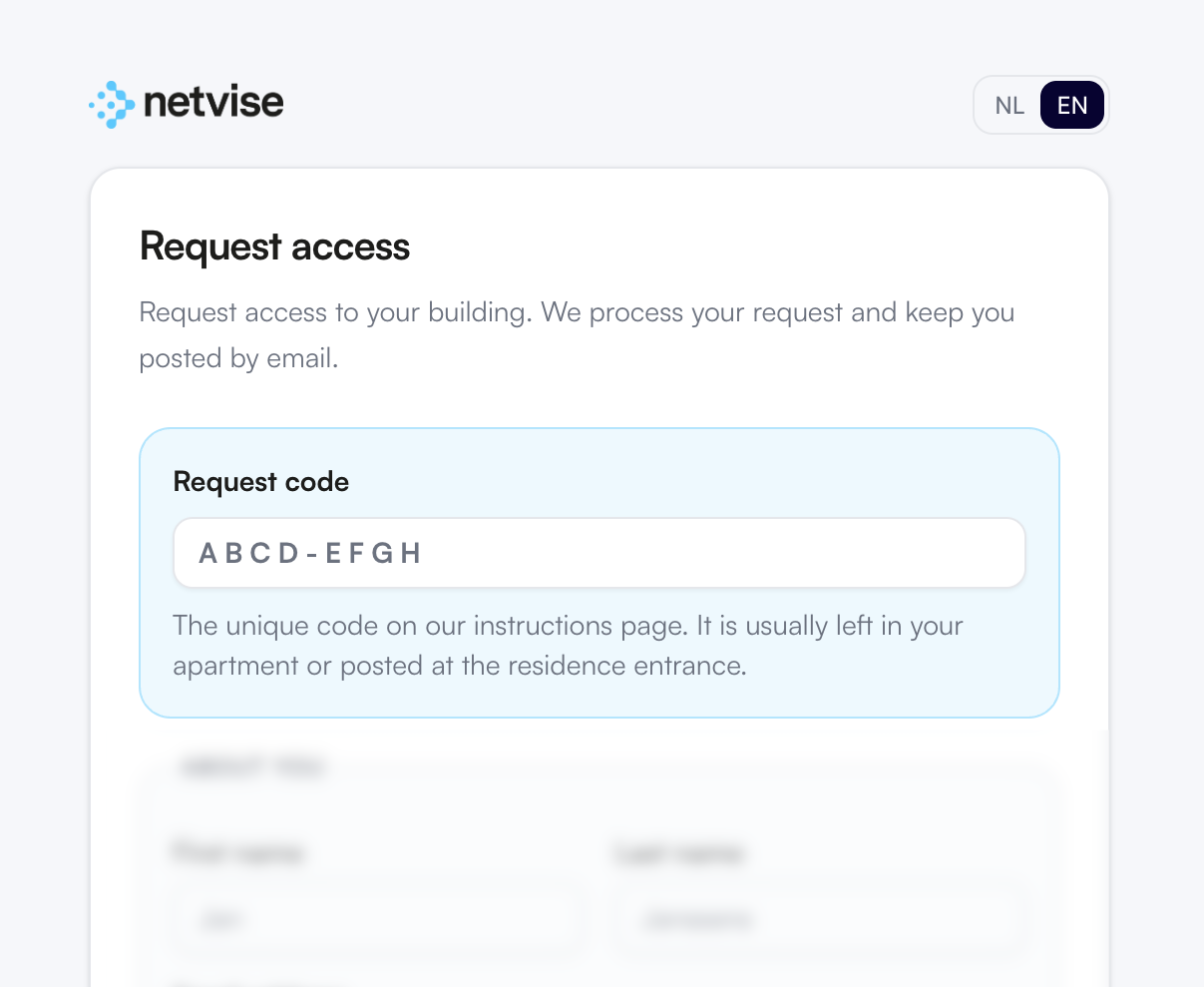
Complete the form with your personal details and apartment information.
The request code is provided on the support center poster from step 1 and will be filled in automatically if you use the qr code. Otherwise enter it manually.
Don’t have a request code? Ask your property manager or contact Netvise for
assistance.
3. Submit request
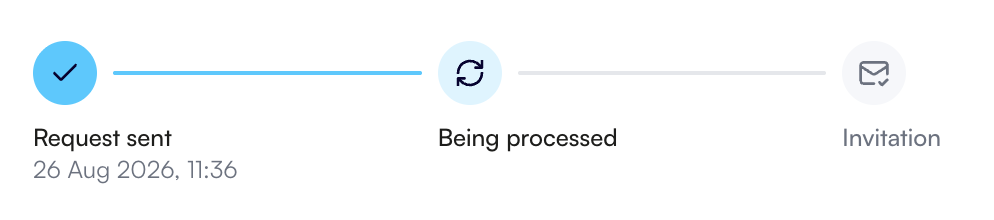
After submitting your request, you will receive a confirmation email with a link to follow the status of your request.
4. Activate your access
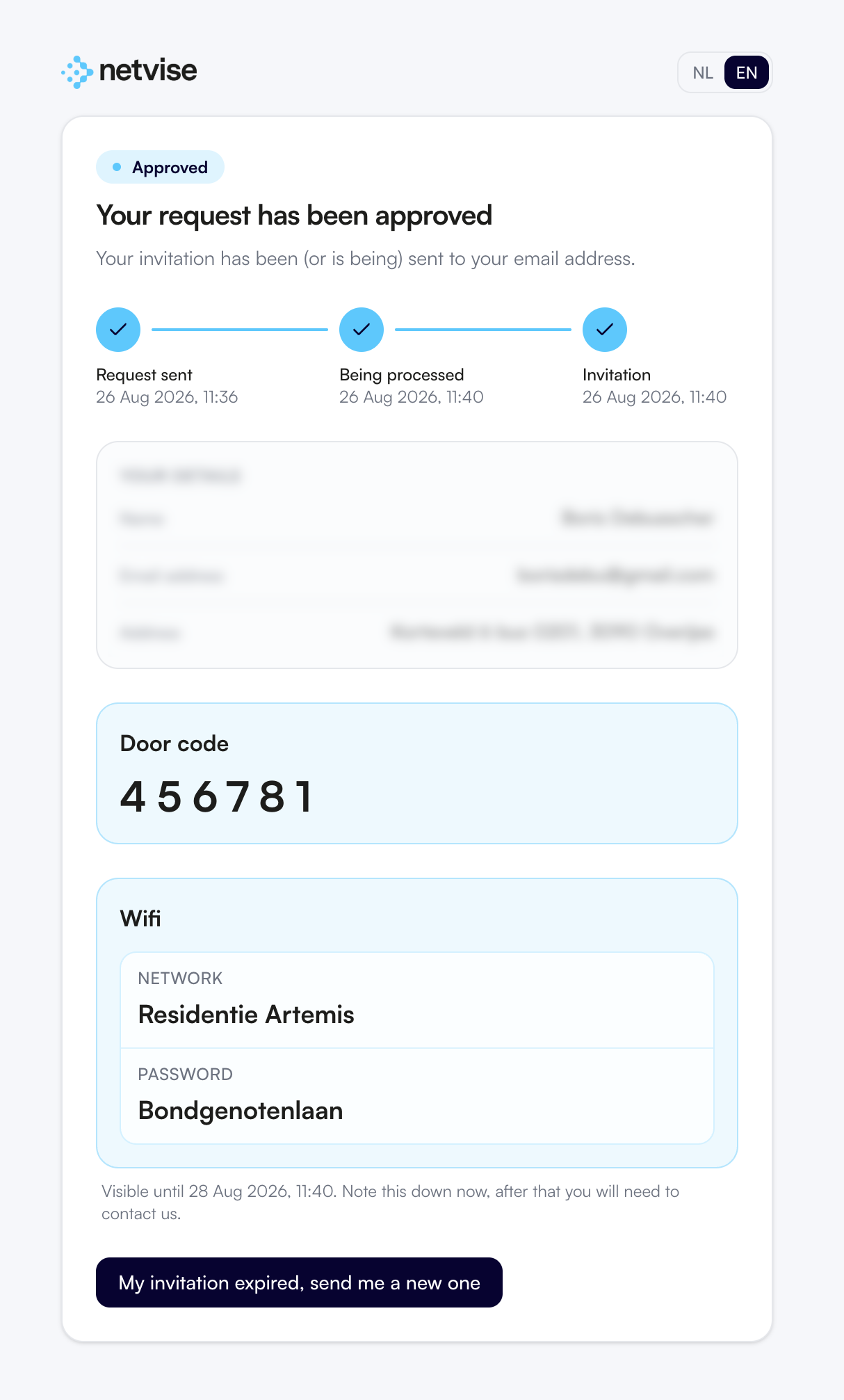
If your request is approved, you will receive a confirmation email. You will also receive a separate invitation email from the access control system to activate your account and access.
Extra information, such as Wi-Fi credentials or your building’s door code, will also be available on your request status you can note them down.
Note: If your invitation has expired, you can request a new invitation on the status page.