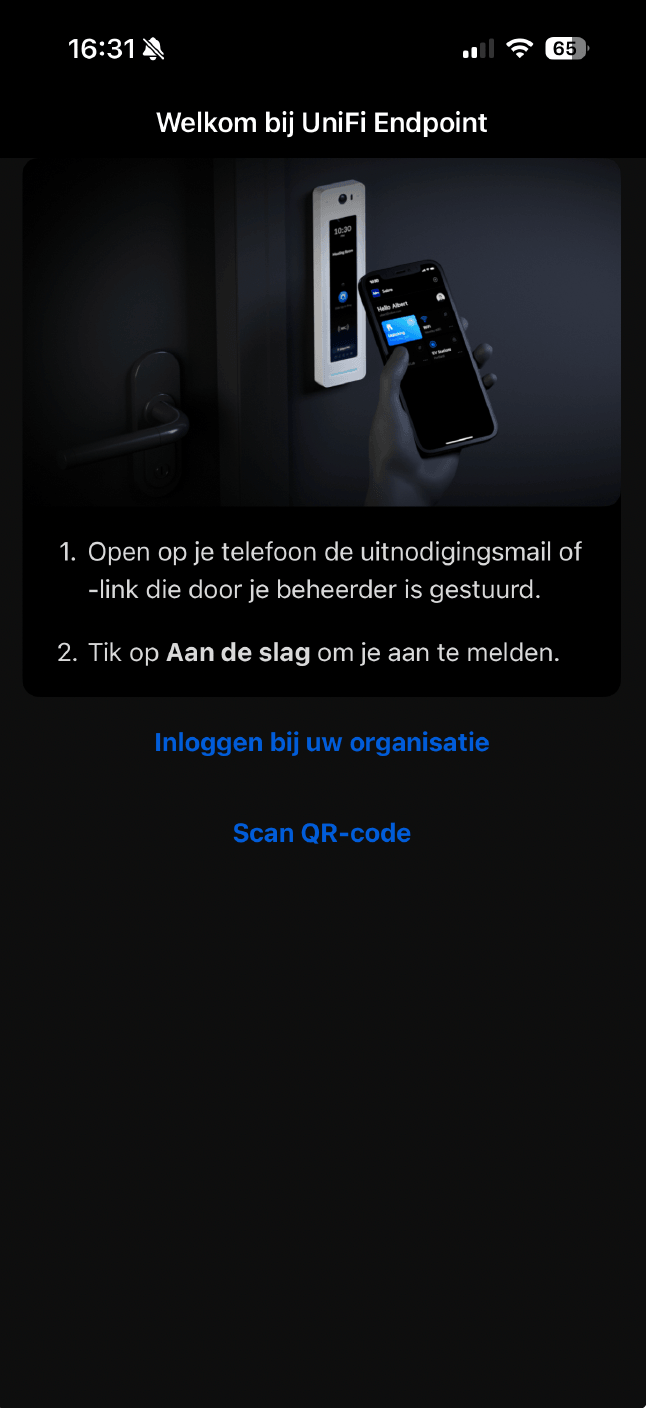
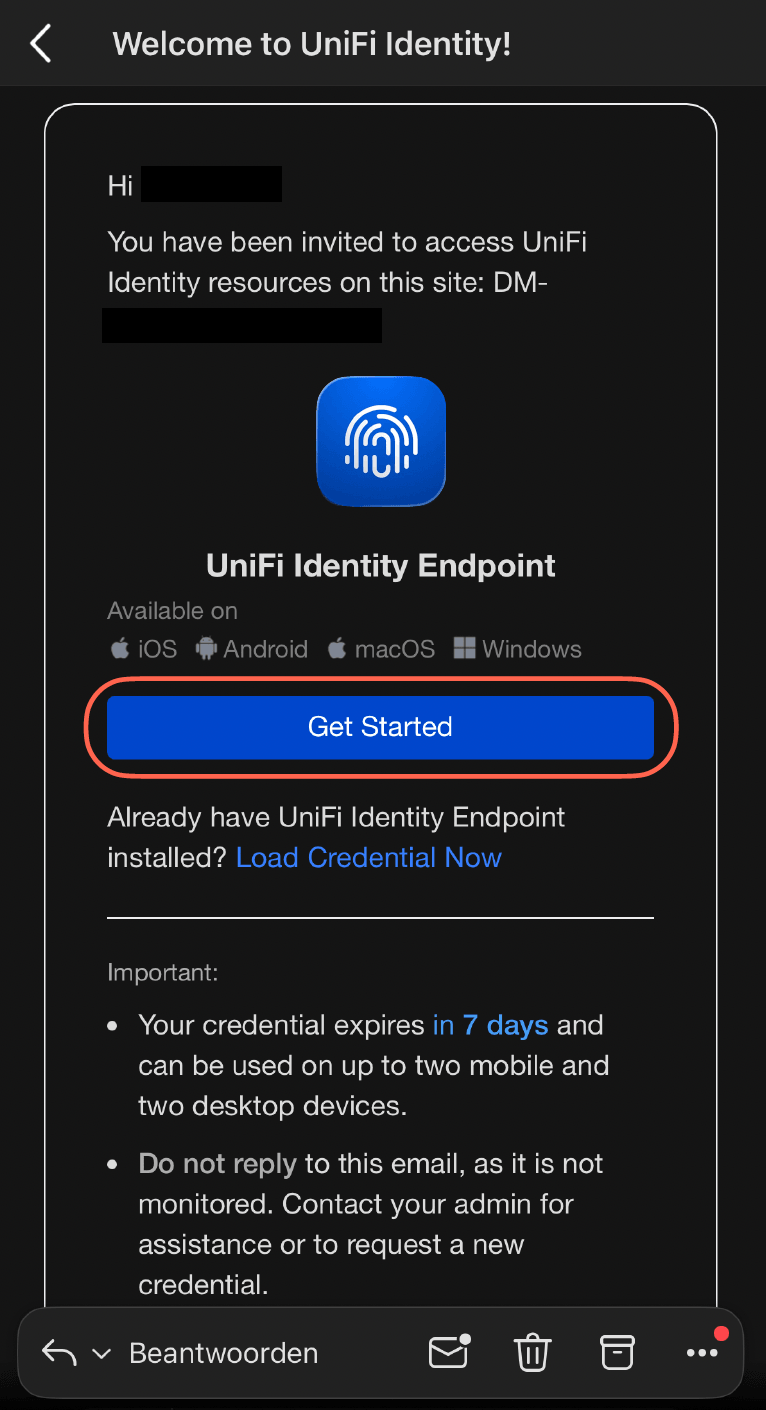
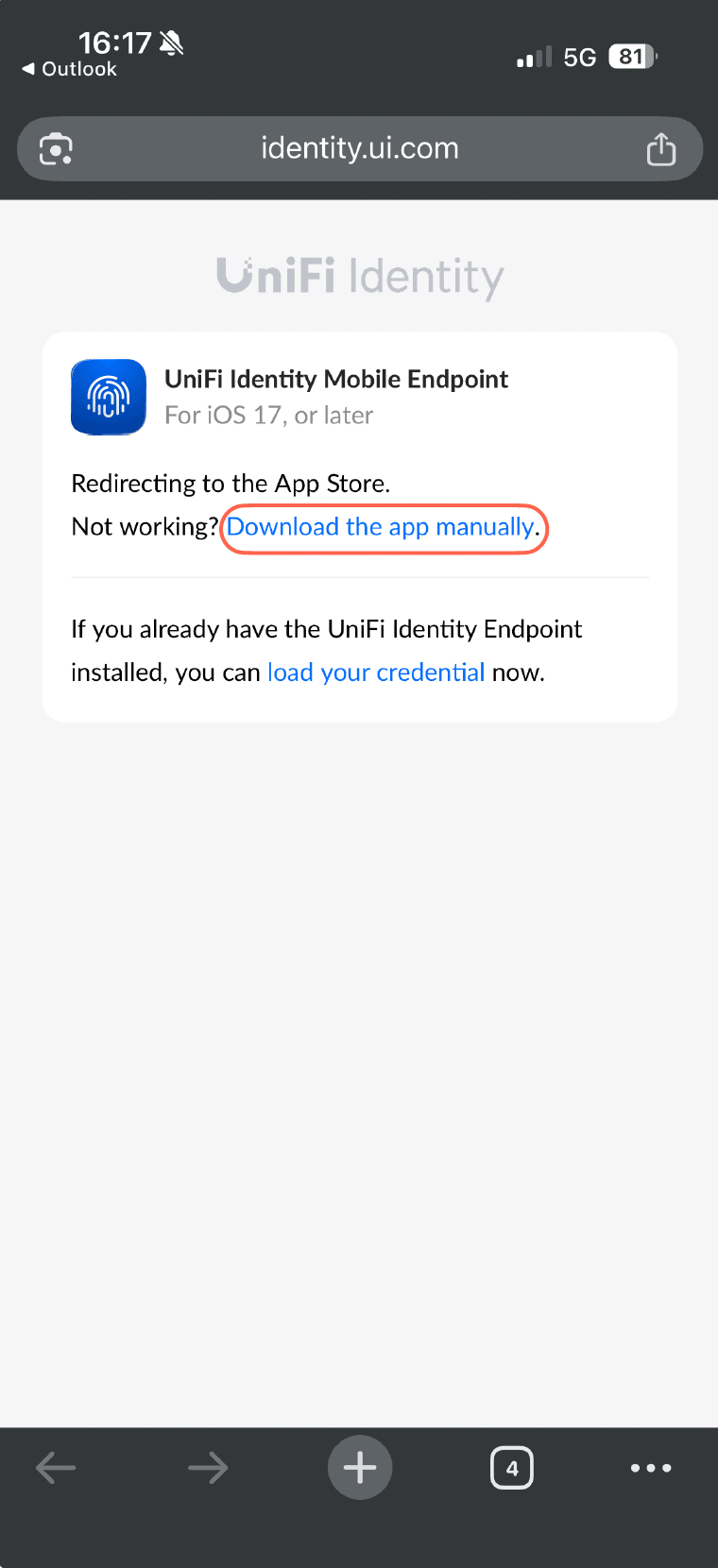
If you did not download the app, this link will automatically open your store to download the app.
If your browser blocks automatic redirects you will be navigated to the page below, make sure you allow incoming redirects or download the app manually via the link or follow Step 1.
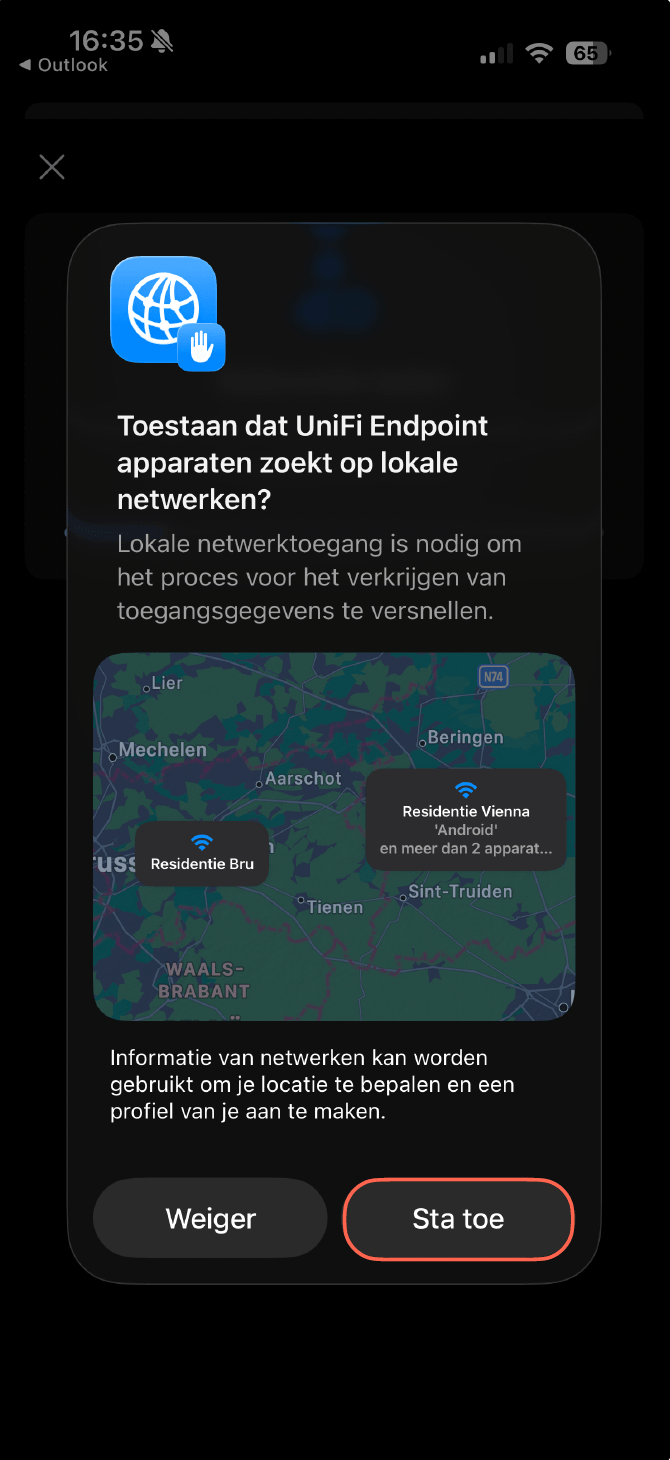
3. Configure the app
Allow Endpoint to search devices on your local network.
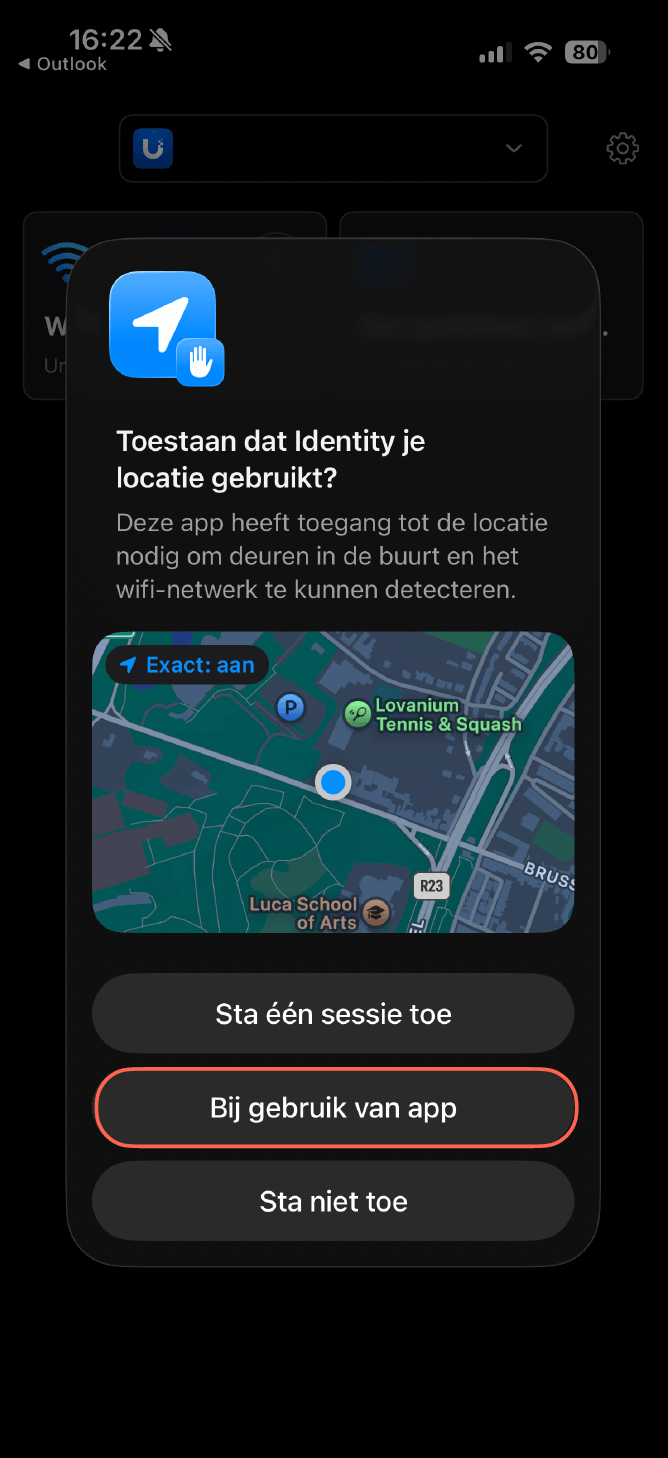
Allow Endpoint to use your location.
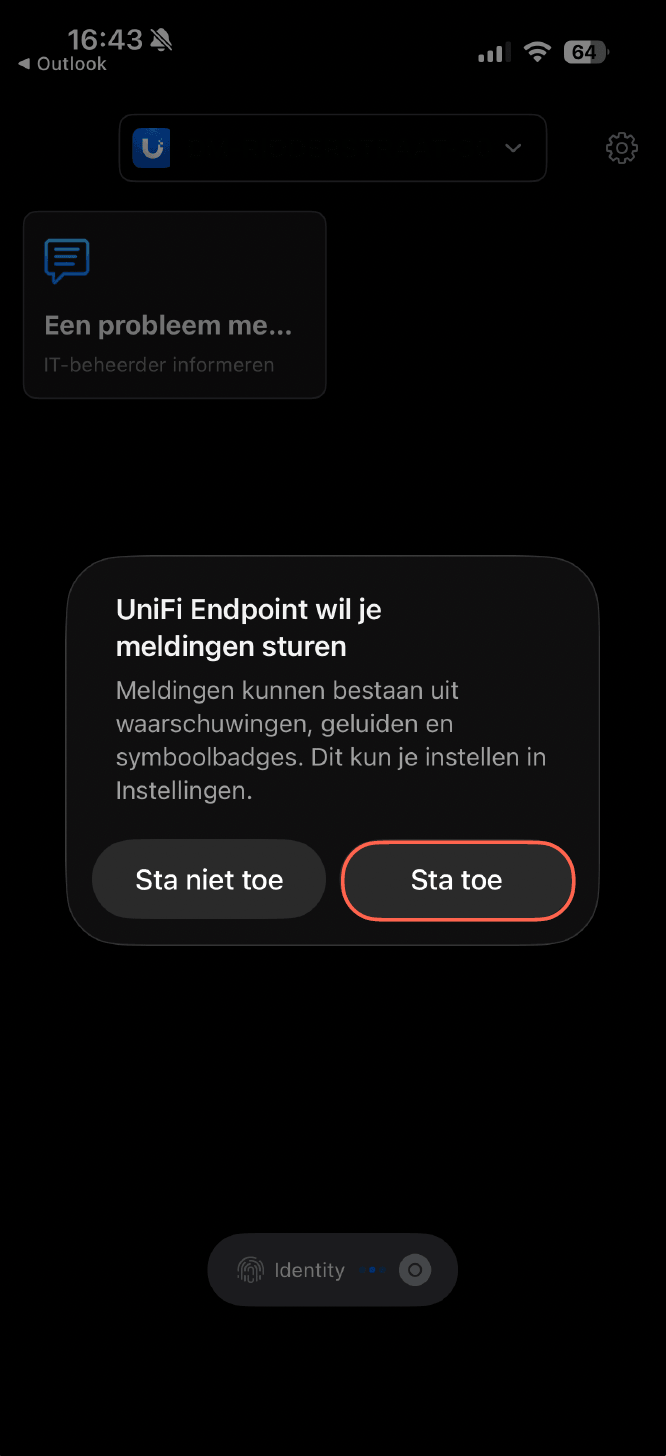
Allow Endpoint to send notifications.
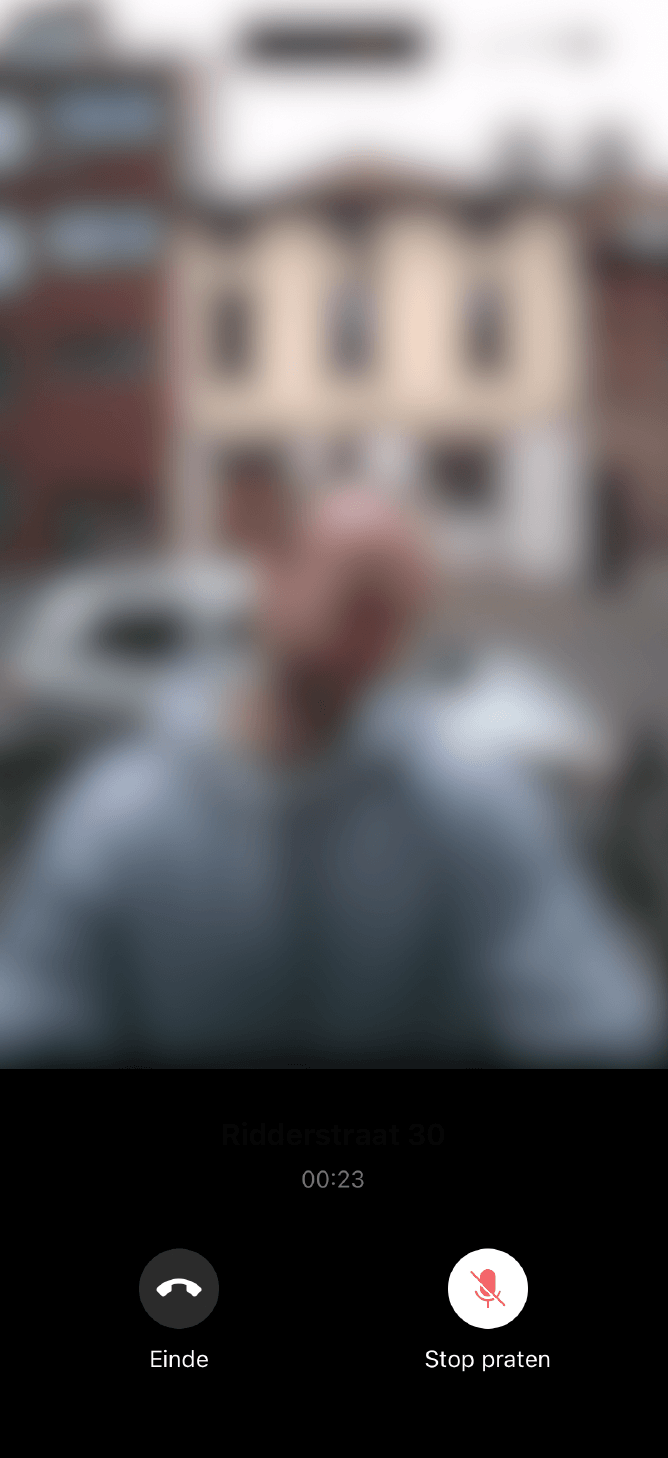
Your setup is now complete. When someone calls your unit number on the Unifi outdoor station it will notify your phone and you can answer calls through the app.
Looking to make things easier for your tenants? We’ve prepared a ready-to-print PDF that includes a QR code linking to our global support page. Simply download, print, and place it in your property. Your tenants will have instant access to the information they need.